
Will a Trained Robot AI Walk If You Just Plug It In?
You download a public walking AI, load it into a robot, and it does not walk. The file may not be what is wrong. This is what we learned by opening that file ourselves.
You may have seen this scene in a robotics lab.
A student downloads a public walking AI file. They load it into the robot.
And it does not walk. No error appears. It just slowly sinks to the floor.
Is the file broken? No. We only understood why after opening that file ourselves.
Is a walking AI file a program?
First, what this file is.
A trained AI is not a program. It is just one function. Numbers go in, numbers come out.
When we opened the public T1 walking AI, it looked like this.
720 → 512 → 256 → 128 → 21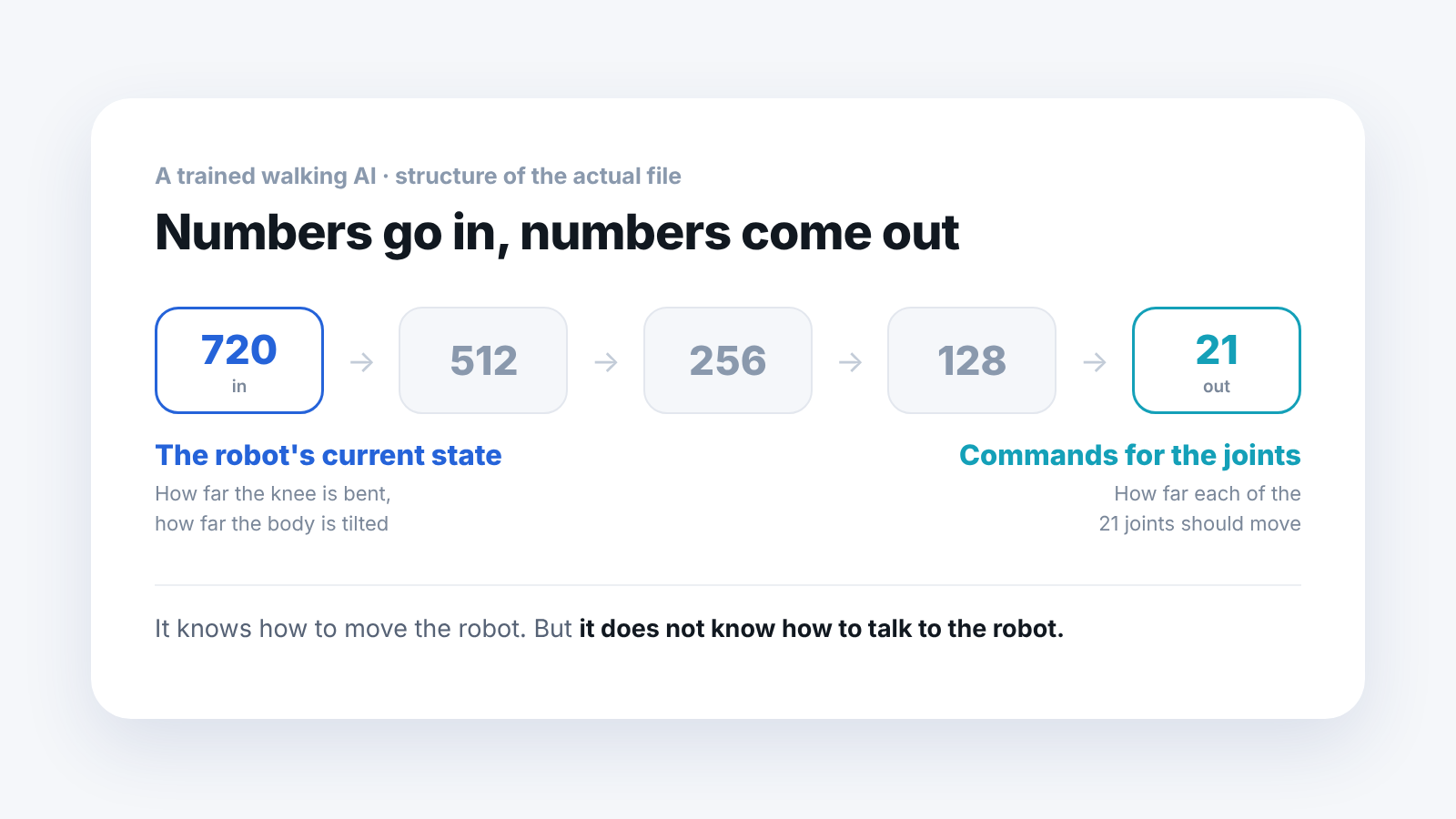
The 720 on the left is the robot's current state. Numbers such as how many degrees the knee is bent and how far the body is tilted.
The 21 on the right is the commands to send to 21 joints.
So this file does exactly one thing: take 720 numbers and return 21 numbers.
It knows how to move the robot. But it does not know how to talk to the robot.
What else does a robot need to walk?
Four things all have to be right.
- The AI file: use it exactly as downloaded
- Building and feeding the 720 numbers: read the robot's state and fill them in, in order
- Converting the 21 numbers that come out: turn them into joint commands
- Sending on a fixed beat: transmit at a set rate
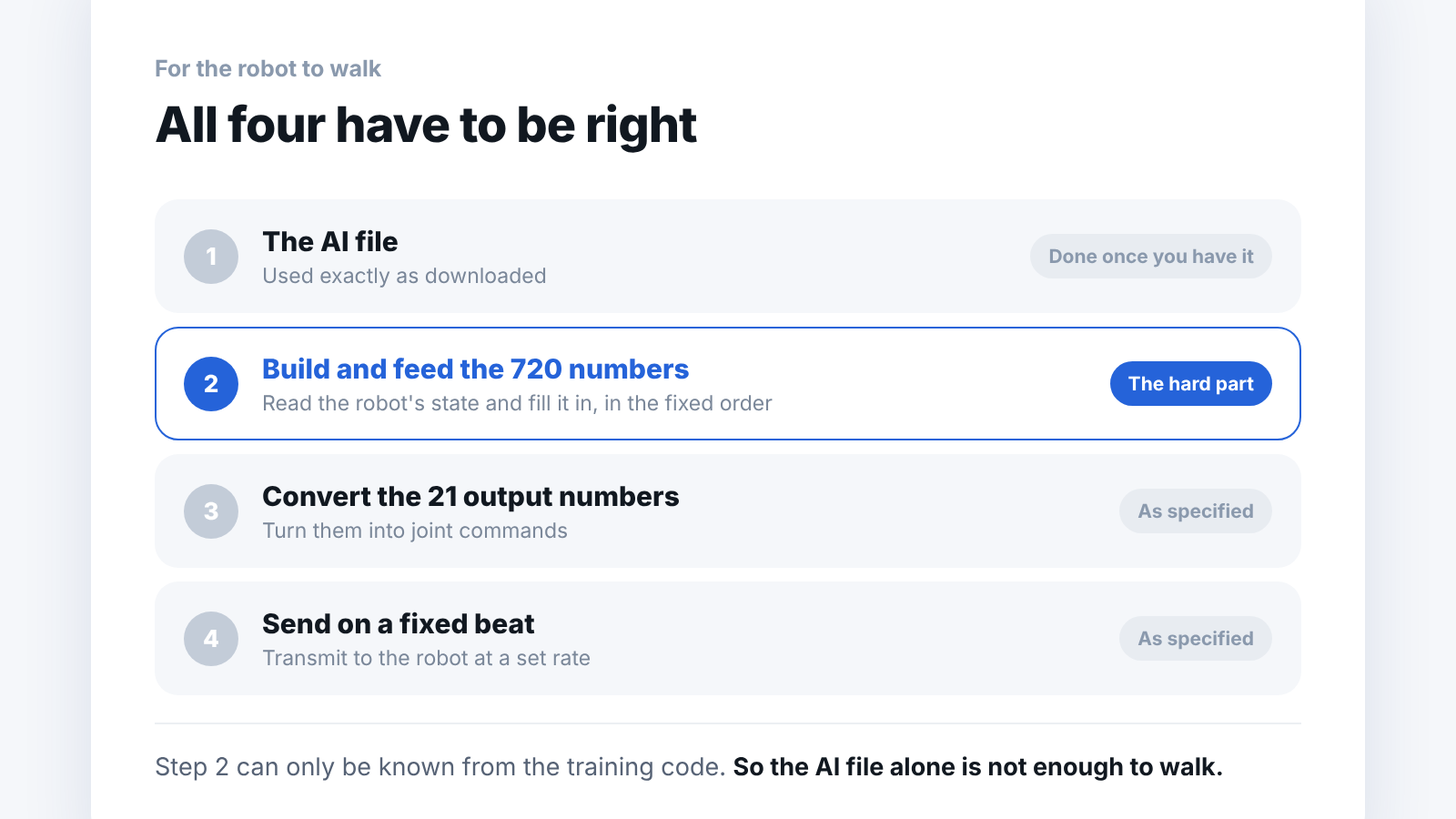
If you take only the first and try to build the other three yourself, it does not work.
And among these, the second is the real headache.
What happens if the order is wrong?
This is the point we most want to make in this article.
The file did not contain only the neural network. It also held, stored together, the mean and standard deviation of the numbers seen during training, for all 720 values.
What that means is that you cannot feed the 720 numbers in any order. Which slot is the knee and which is the gyro was already fixed back when training happened.
And here is the scary part.
If you change the order, no error appears.
The program runs fine. Not a single red line. Numbers go in and numbers come out. But those numbers are wrong, and the robot quietly falls over.
This is why a student can stare at the code all night and not find it. Nothing is broken.
What should we do in a course?
The method is simple. Get the AI file together with the run code that operates it.
The order in which the 720 numbers must be filled can only be known by looking at the training code. If that code comes with it, the second problem is solved, and the rest can be done as specified.
The Booster Robotics robots we work with release the walking AI together with the run code. That is why you can see a walking robot in the first week of a course.
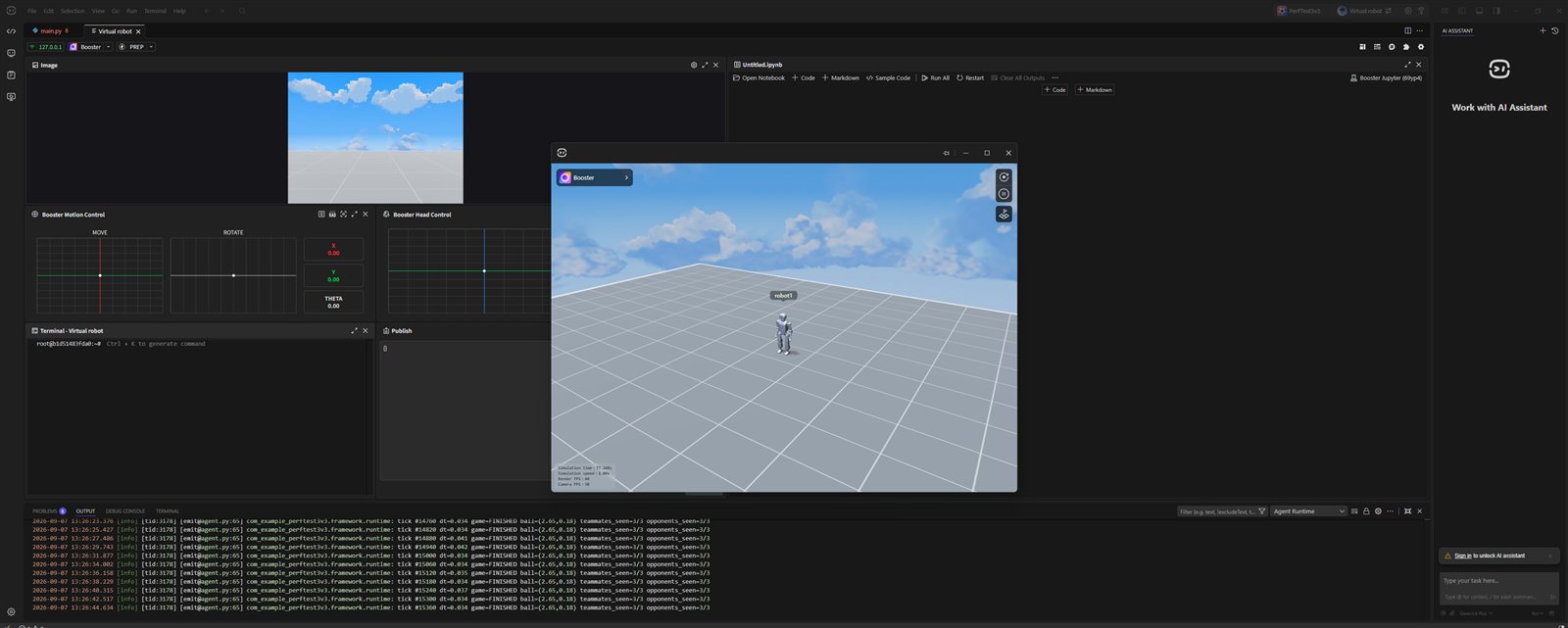
Manufacturer simulator screen (a program provided by Booster Robotics). This is not a simulation screen we built.
To be honest, though, getting it to walk is as far as it goes right away. Changing it to fit a research topic comes after that. If you tell students about this line in advance, the time spent hunting for causes drops sharply.
Frequently asked questions
Can you really do nothing with just the AI file?
You can run it inside a simulator. To load it into a real robot, you separately need code that builds the numbers and sends the commands.
Where do you see how many numbers there are?
It is inside the file. The T1 walking AI we looked at had 720, and a smaller one that handles only the legs had 47. It differs by purpose.
Isn't having students write it themselves also learning?
It is. But because a wrong order produces no error, showing the correct code first and having students change it one slot at a time leaves them with more.
Do we have to train from scratch?
No. A trained one is public, so you can use it as is. Changing it from there is research.
Next step
These are good to read next.
- When Should You Start Teaching ROS 2? covers when the SDK and ROS 2 come in, at the stage of writing code to send to a real robot.
- A Walk Learned in Isaac Lab: Does It Also Walk in MuJoCo? is a record of moving a trained policy to another simulator to see whether the gait holds.
- It Walks in the Simulator but Wobbles on the Real Robot covers a single number inside a file as a cause of the gap between a simulator and a real robot.
The numbers here are values we read by opening public files ourselves. We checked only one walking AI, the T1 walking AI from Booster Robotics, so other robots or other AIs may be structured differently.