
What Can a Night Patrol Robot Do in a Nursing Home?
The functions provided today are fall candidate detection, an alert when a person is found in a time window and place you have set, and patrol gap monitoring. Delivery to the responsible staff member once something is detected is within 30 seconds. With photos, here is how the alerts arrive, what the robot does not do, the demo steps, and what a facility should prepare.
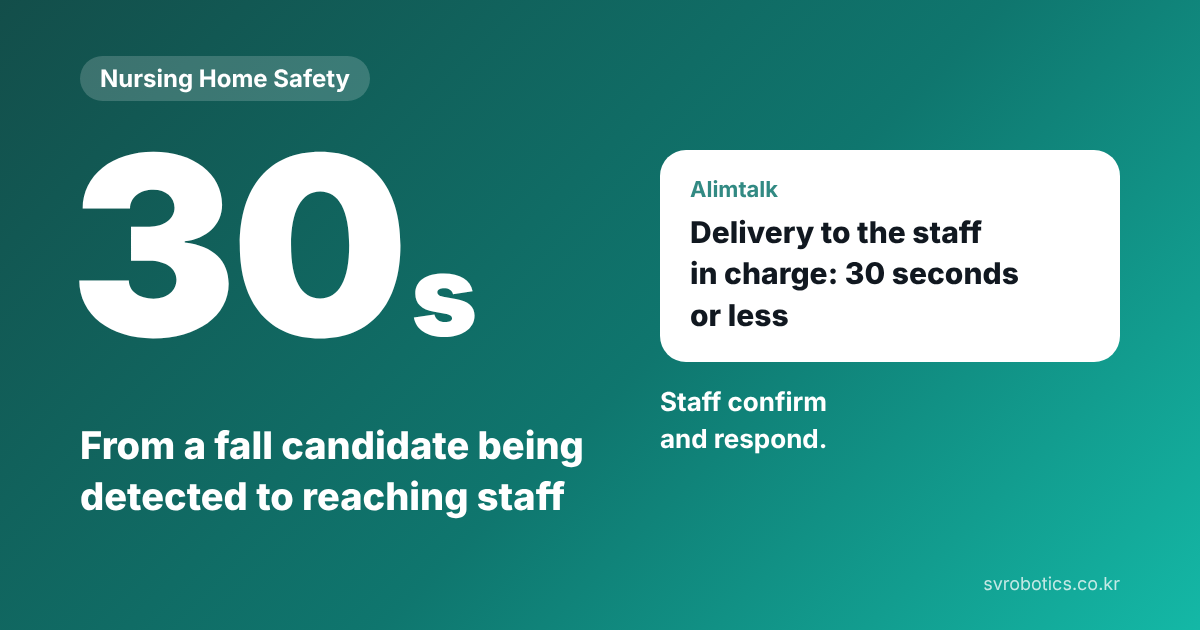
The functions our AI nursing home patrol robot provides today are fall candidate detection, an alert when a person is found in a time window and place you have set, and patrol gap monitoring. Delivery to the responsible staff member once something is detected is within 30 seconds. It makes no medical diagnosis.
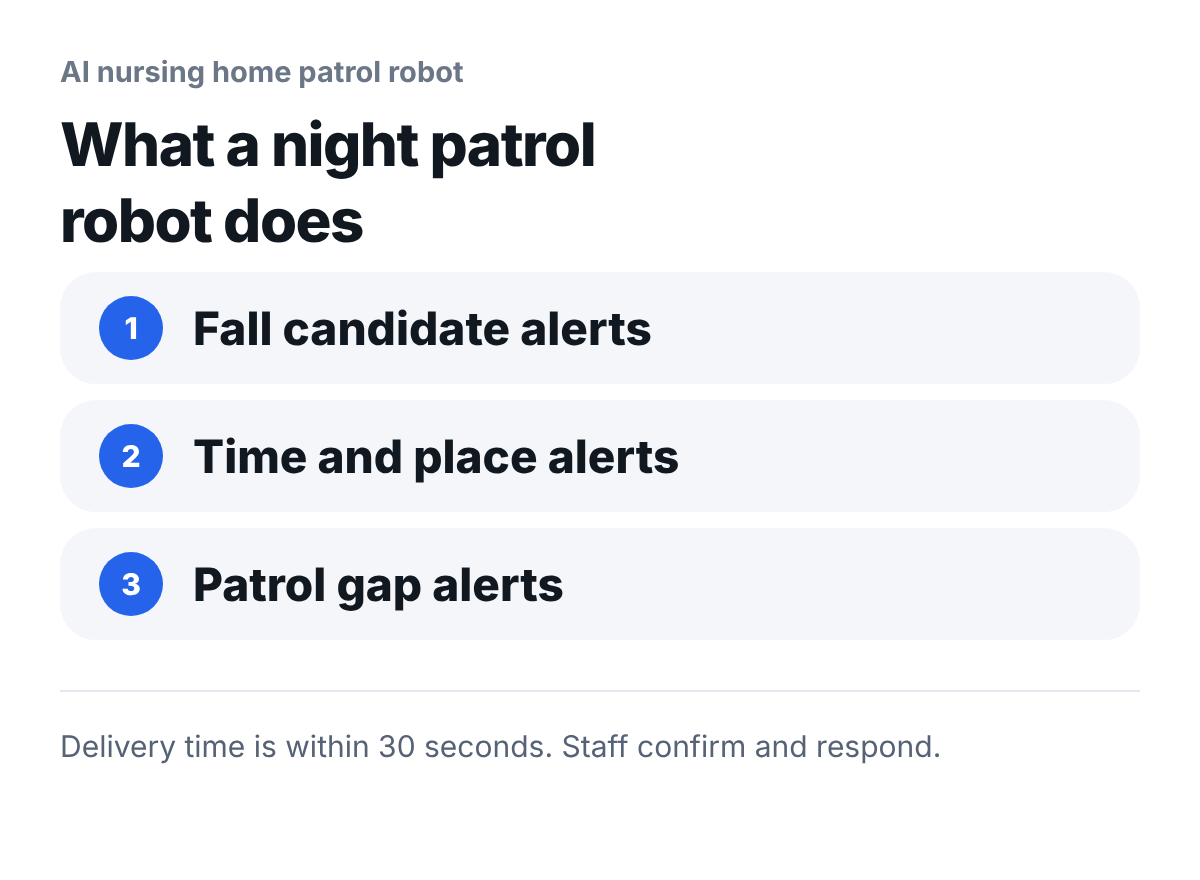
At night, a small number of staff have to cover several floors. The patrol robot goes around corridors and common areas all night taking photos, picks out the situations staff should check first, and notifies the responsible staff member. Staff make the final judgment and the response.
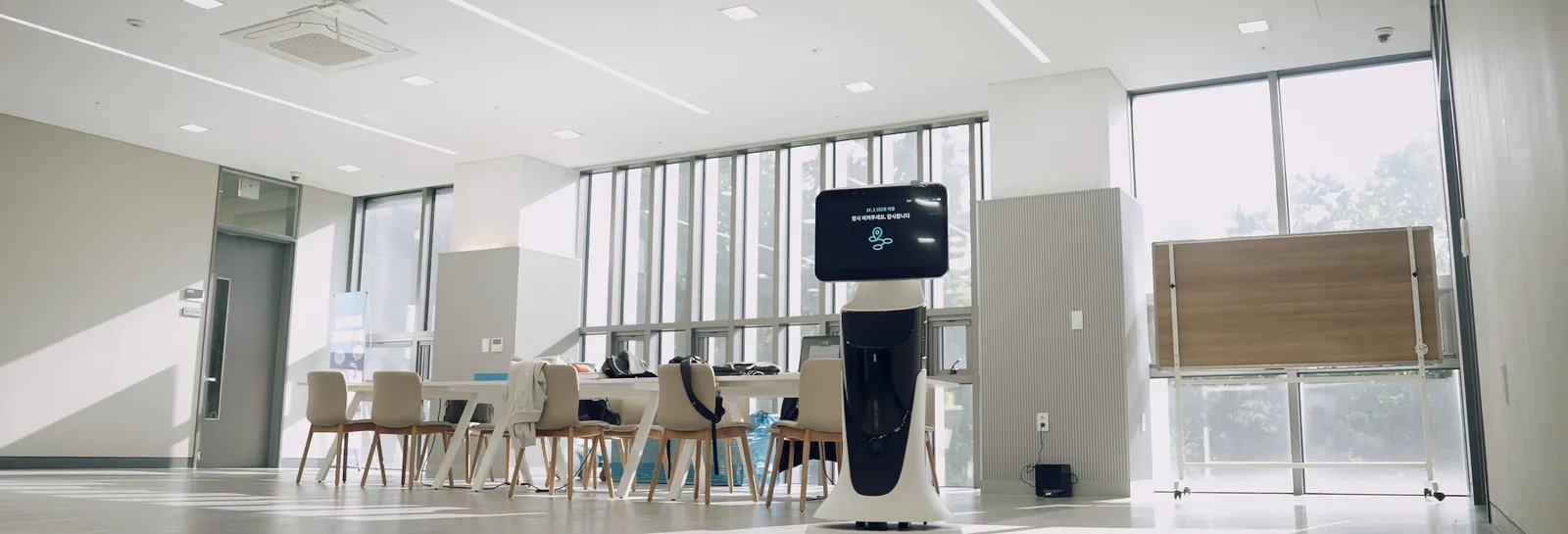
What to look at here: The robot goes around common areas and corridors like this and takes photos.
What functions does it provide today?
Three.
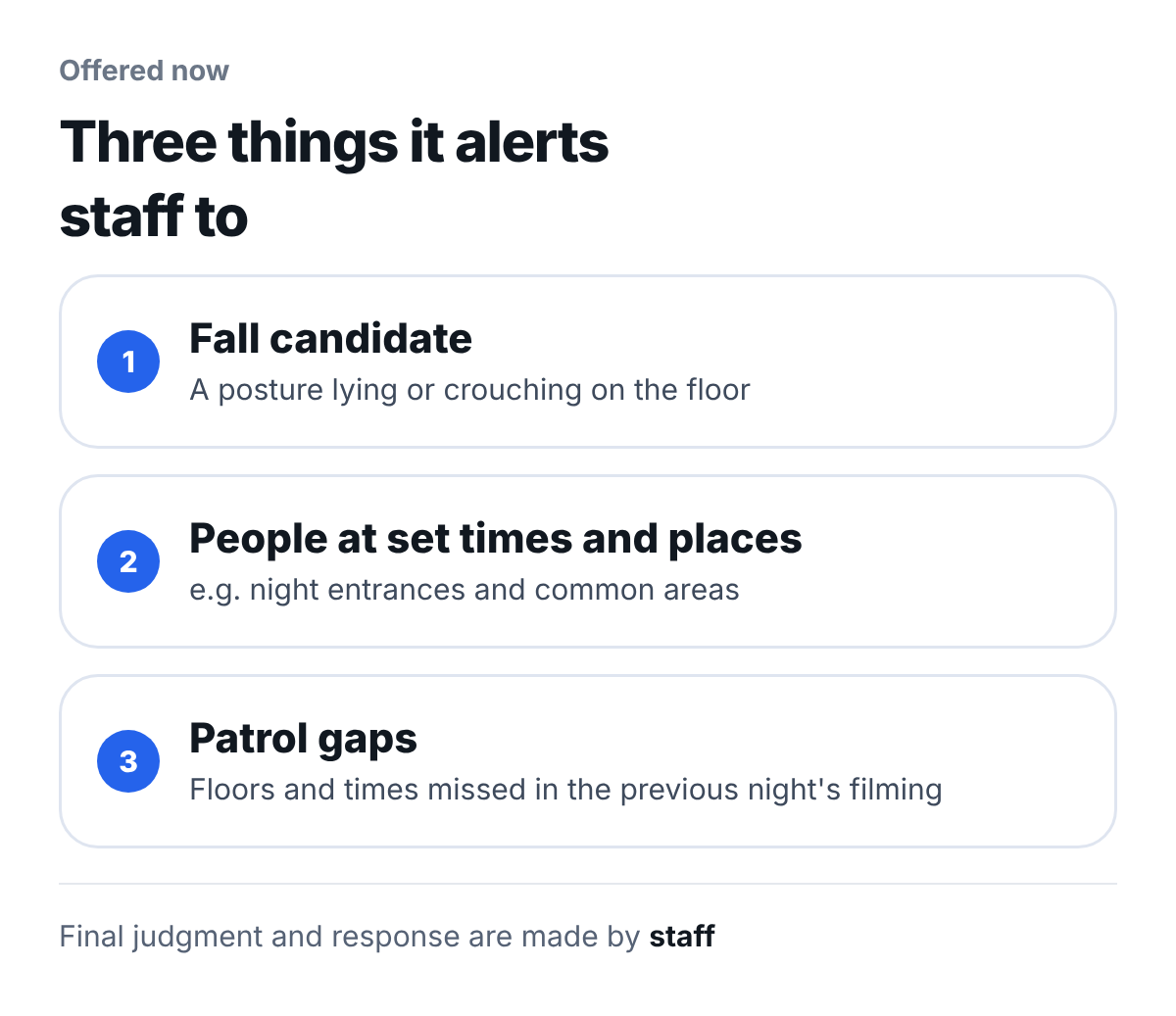
What to look at here: All three functions are about "notifying"; staff do the responding.
| Function | What it does |
|---|---|
| Fall candidate detection | It finds people in the photos taken during patrol, and if a person is lying or slumped on the floor rather than on a bed or chair, it reports a fall candidate |
| Alert when a person is found in a set time window and place | The time window and place are set at installation to match the facility's request, and can be changed during operation. Places are set within the area the robot patrols |
| Patrol gap monitoring | If a floor or time window is missing from last night's patrol photos, the manager is notified the next morning |
How does it pick a fall candidate?
First it finds people in the patrol photo, then looks at their posture.
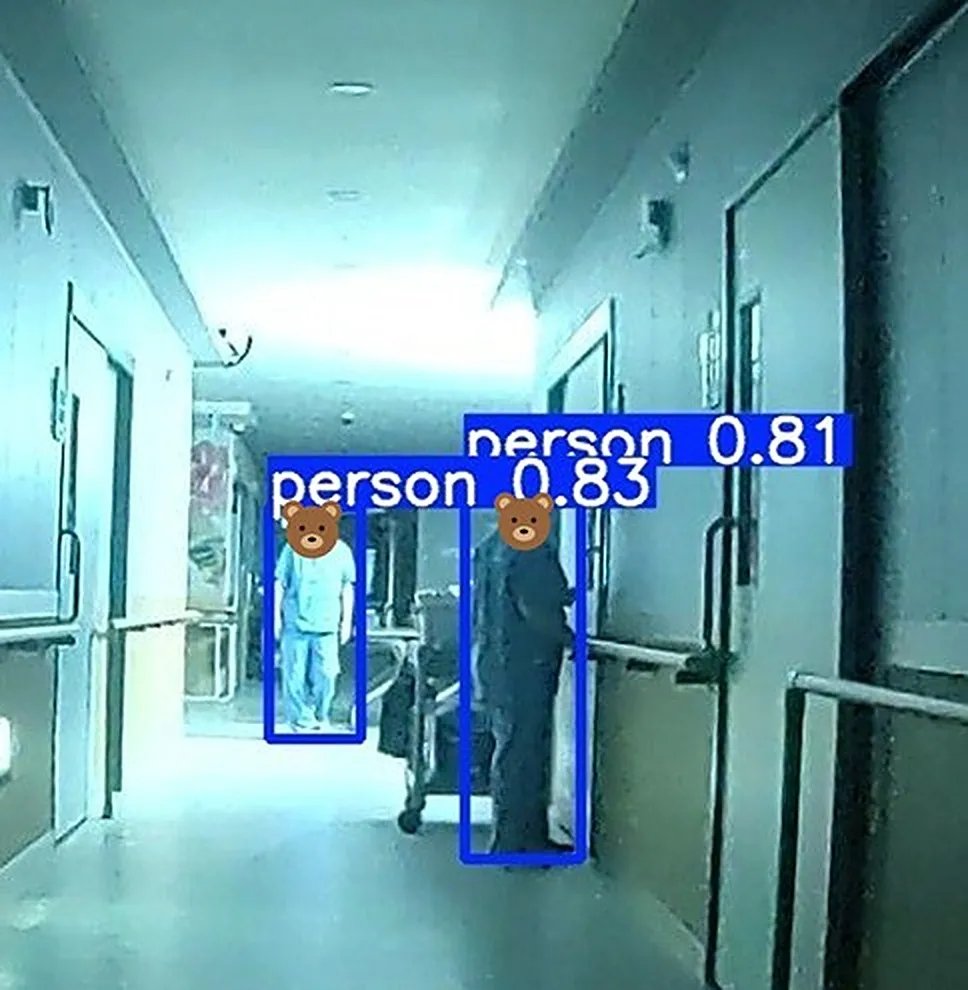
What to look at here: The AI draws a box around each person in the photo. At this stage it finds every person, including those who are standing.
If a person it found is lying or slumped on the floor rather than on a bed or chair, that becomes a fall candidate.
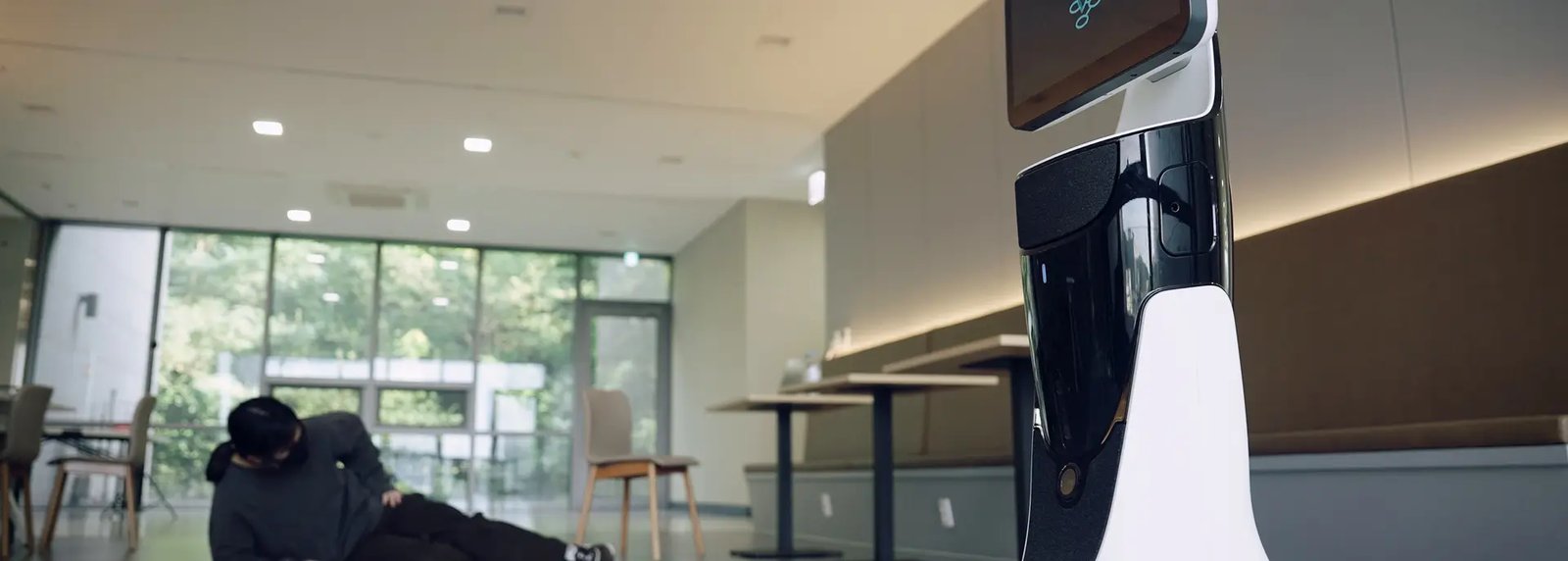
What to look at here: A posture like this, slumped or lying on the floor, is a fall candidate. This is a scene staged by staff.
How does the alert arrive?
When a fall candidate, or a person at a set time and place, is detected, a KakaoTalk notification (Alimtalk) goes to the registered staff member's phone. Delivery to the responsible staff member once something is detected is within 30 seconds.
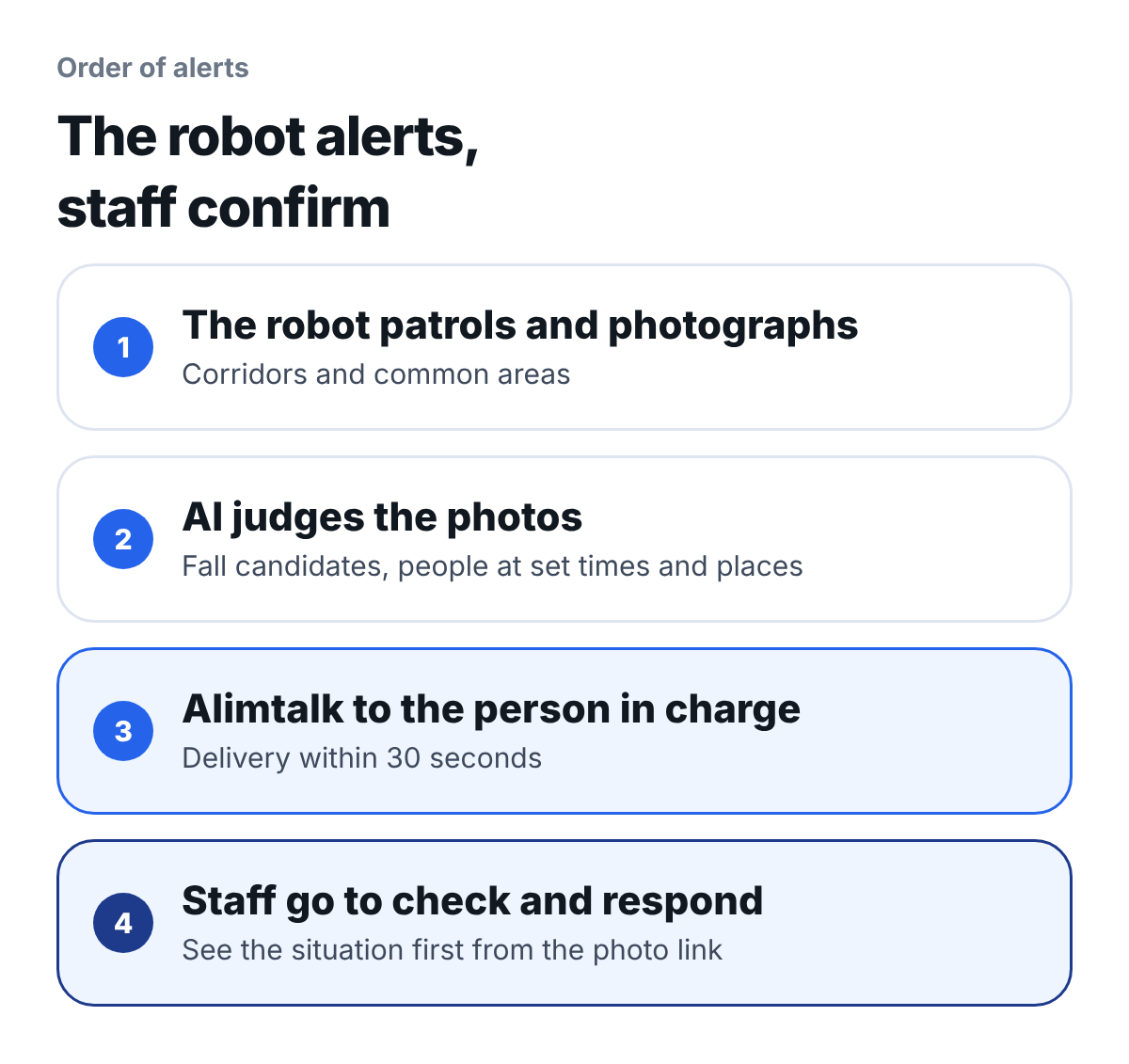
What to look at here: Steps 1 to 3 are done by the robot and the AI; step 4 is done by staff.
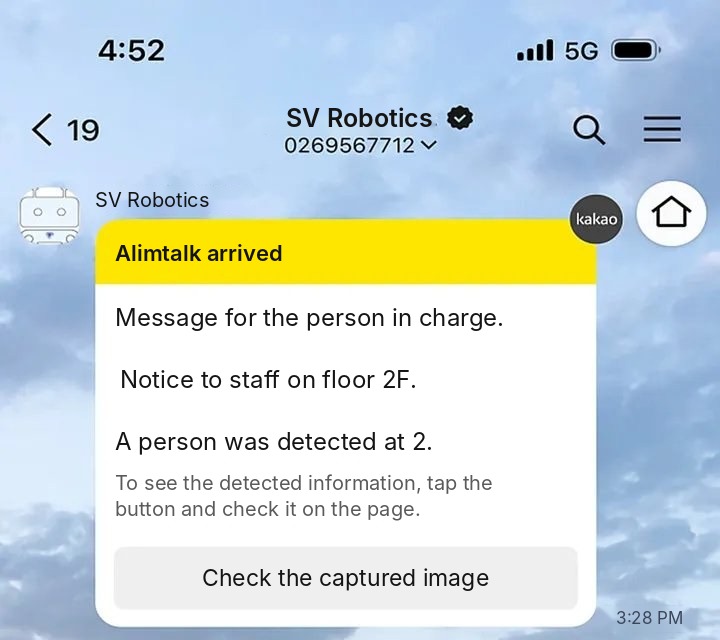
What to look at here: The alert states the floor and location, and the "View captured image" button opens the photo right away.
On the admin screen you can view the original photo taken at that time side by side with the photo the AI judged.
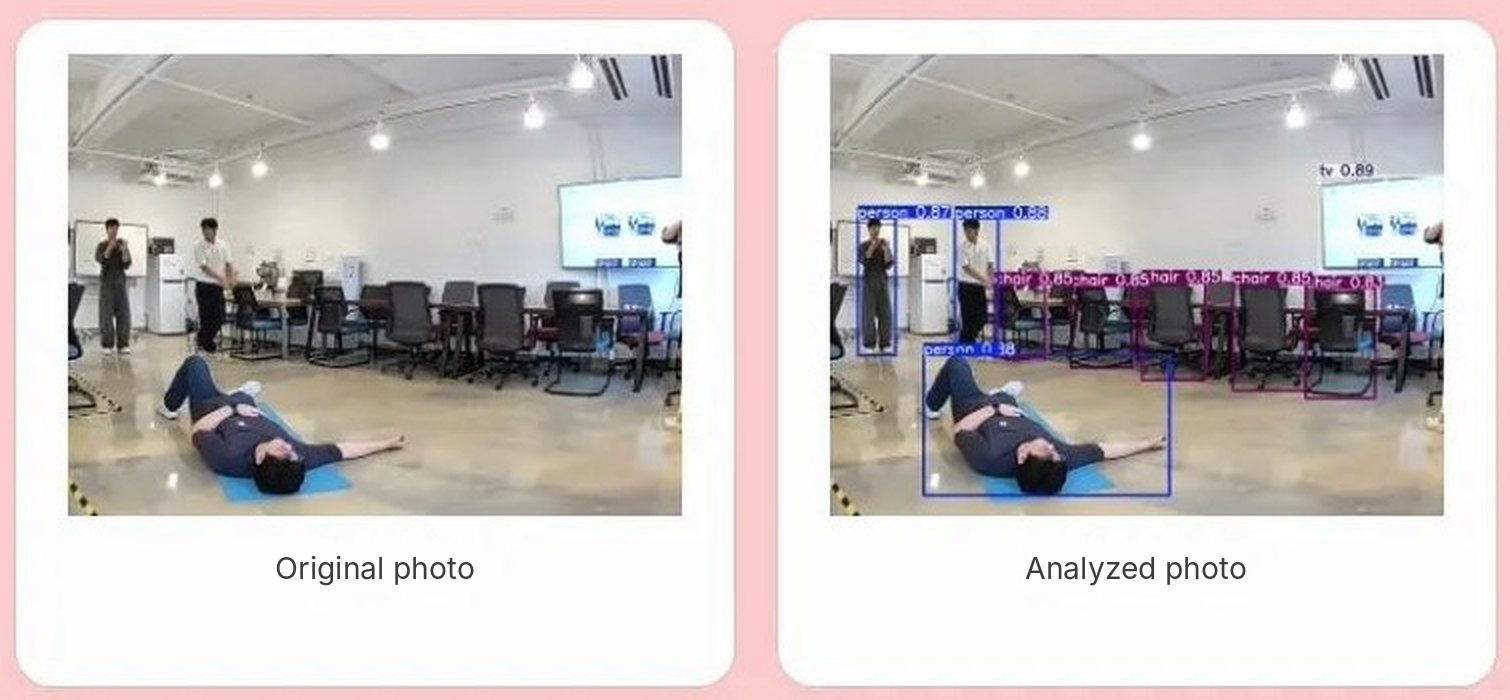
What to look at here: Before going, staff first see the situation in the photo. They only need to look at the events that require a check, not at every photo taken.
The AI's judgment is an aid and does not replace the night staff's rounds.
What does it not do?
It makes no medical diagnosis, and it cannot see places the robot does not pass.
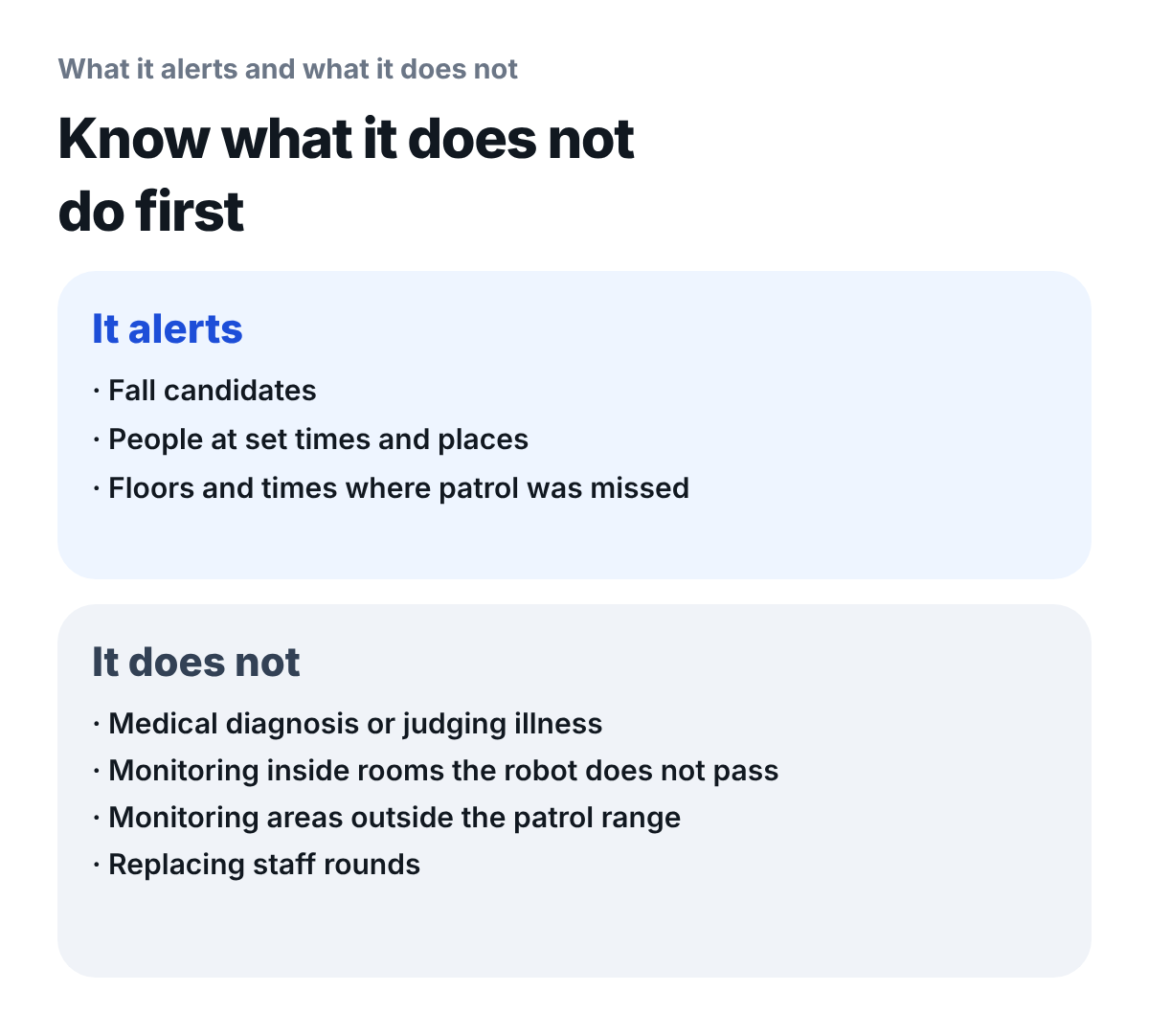
What to look at here: Places the robot does not pass, such as inside rooms, need to be planned for together with other methods.
- Medical diagnosis: It only reports a fall candidate; it does not judge why the person fell or what illness they may have
- Inside rooms: The robot looks at photos taken while on patrol. It cannot see inside rooms the robot does not pass
- Outside the patrol range: It only alerts when a person is found within the area the robot patrols
How is the demo run?
It starts with a 30-minute remote demo.
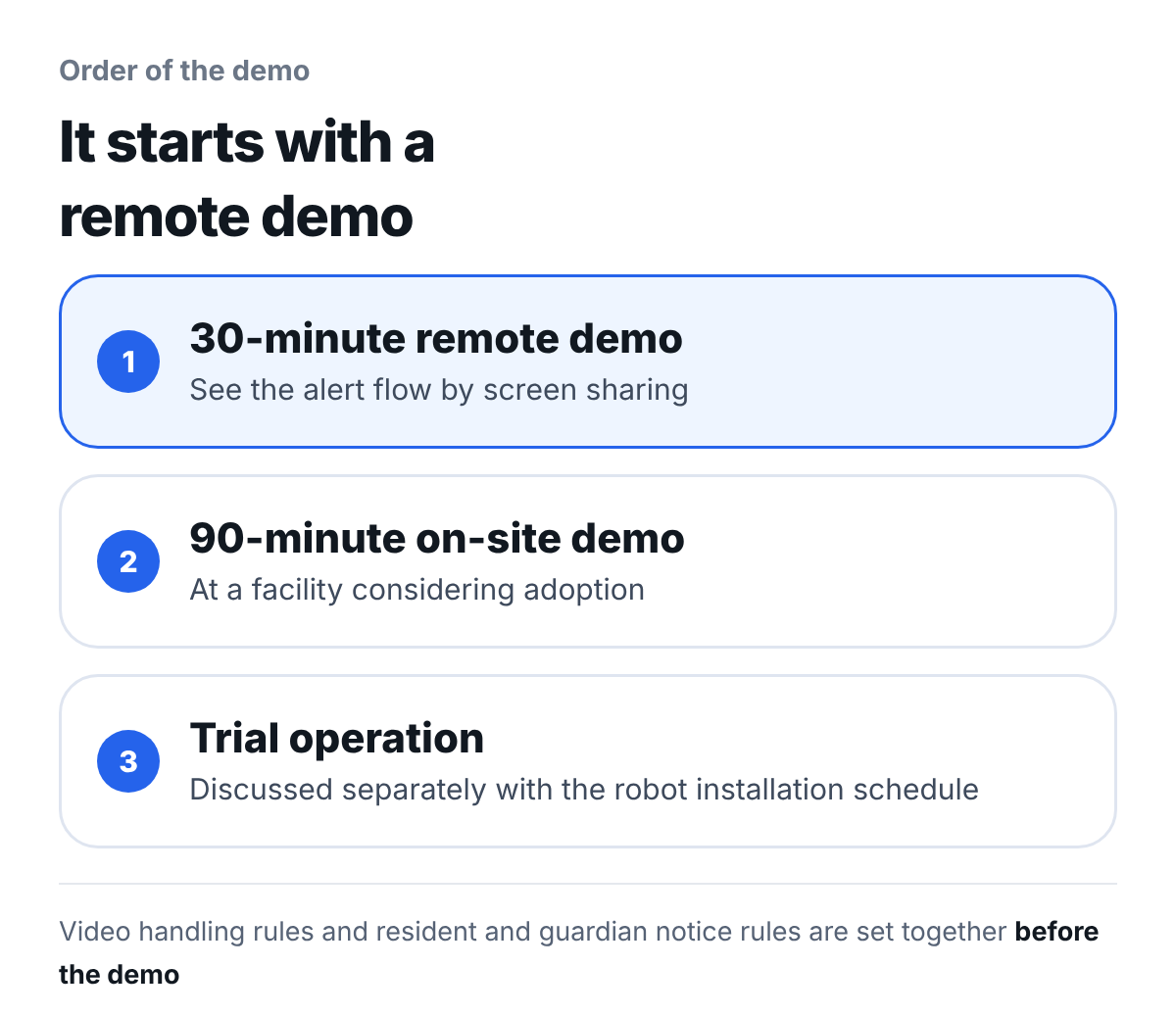
What to look at here: At first you can see it through screen sharing, without a visit to the facility.
- Remote demo, 30 minutes: We show the service flow and how alerts are delivered through screen sharing, and answer questions
- On-site demo, 90 minutes: We visit the facility considering adoption and show it there
- Trial operation: Running it yourselves at the facility for a period requires the patrol robot installation schedule to be set as well, so we discuss it separately
The video handling standard and the resident and family notice standard are set together with the facility before the demo.
What should a facility prepare?
If you sort out the following 8 items before the demo, the scope of the demo can be set right away.
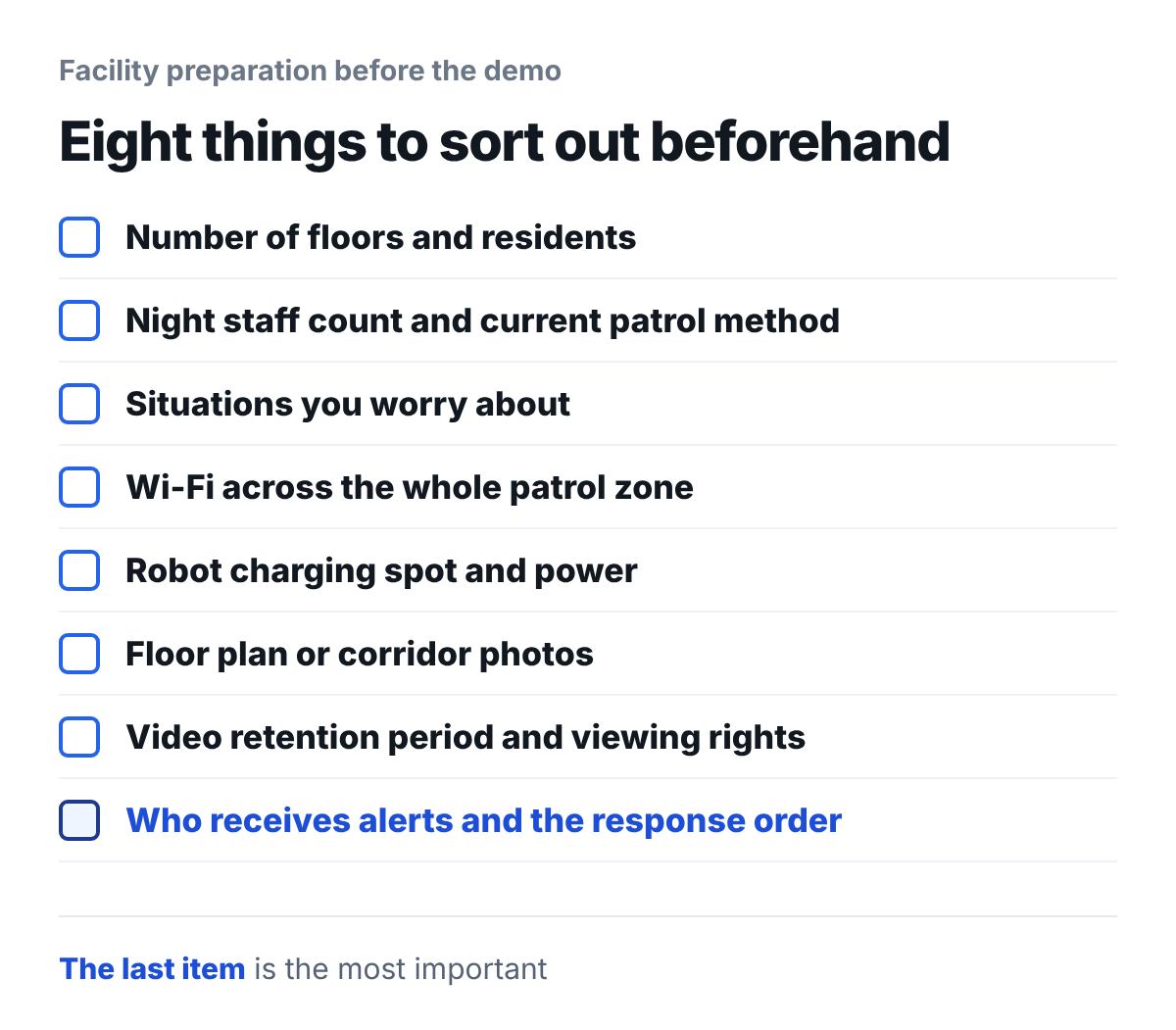
What to look at here: The last item, "who receives alerts and the response order," is the most important.
- Facility size: Number of floors (buildings) and number of residents
- Night shift: Number of night staff and the current patrol method
- Situations of concern: Whether it is falls, or residents coming out into the corridor at night
- Corridor Wi-Fi: Whether it stays connected across the whole patrol area
- Robot charging location: A spot where power is available
- Floor plan or corridor photos: Used to set the scope of the demo
- Personal information handling standard: Video retention period and access rights. Check the legal standard that applies to your type of institution with the responsible department of your institution
- Alert recipients and response order: Who goes to check after an alert is received
An alert has no effect if it is not settled who will go to check and in what order.
Frequently asked questions
Can it tell when a resident comes out into the corridor at night?
When a person is found in a time window and place you have set, it reports them as a subject for staff to check. The time window and place are set at installation and can be changed during operation. Delivery to the responsible staff member once something is detected is within 30 seconds.
Will an alert come if someone enters an area that is closed off?
If it is within the area the robot patrols, it alerts. It does not separately monitor a specific area outside the patrol range.
Can it tell if someone falls inside a room?
It cannot see inside rooms the robot does not pass. Such places are planned for together with other methods.
What does patrol gap monitoring tell us?
If a floor or time window is missing from last night's patrol photos, the manager is notified the next morning.
How do we see a demo?
You can see it first through a 30-minute remote demo or a 90-minute on-site demo. Trial operation is discussed separately, together with the patrol robot installation schedule.
Does it add a lot of new work for staff?
You only need to decide who receives the alert and goes to check, and in what order. The remote demo shows that flow.
Next step
You can see how the three alerts would arrive at your facility in a 30-minute remote demo. The same content is also on the nursing home fall alert AI robot page, together with the frequently asked questions.
Sources (checked 2026-10-07): SV Robotics nursing home fall alert AI robot solution page. The photos are demo photos published on the same page, and the scene of the person on the floor is staged by staff (video scene: Seoul National University Active Aging HAI Center). Costs and detection performance figures are not given because they vary with each facility's conditions.